A video forevery home.
Upload a photo or a rendering. A few minutes later, you have a sales video. No film crew.
Camera move
A living room walkthrough in 5 seconds.
Models in the studio · 6 in total
- Seedance 2.0
- Seedance 2.5
- Kling 3.0
- Veo 3.1
- Nano Banana Pro
- Sonilo Music
- Motion design ↗
How it works
01
Add a photo
A regular photo from your phone or a shoot. It stays private in your account.
02
Describe the camera move
In your own words or with a ready-made preset. The price is right there on the button.
03
Download the video
In 1–3 minutes, the video is in your library. If a job fails, you get your credits back.
For property developers
Got 120 apartments?Each one can have its own video.
One rendering or photo becomes a sales video for the unit. The Studio plan covers about 50 videos a month.
A project for every development
Units, photos, renderings and videos for one development, all in one place.
One style for every unit
“Repeat with these settings” gives the next apartment the same camera move and lighting.
Up to 10 videos at once
The Studio plan generates in parallel, so a whole series is done in one afternoon.
One team, one shared balance
Marketing, sales and your agency work in one workspace, up to 10 people.
- Photo
- Video
- Sale
Examples
Generated with MotionSurf
No retouching, no edits. Hover over a card to play the video.Videos play automatically as you scroll to them.
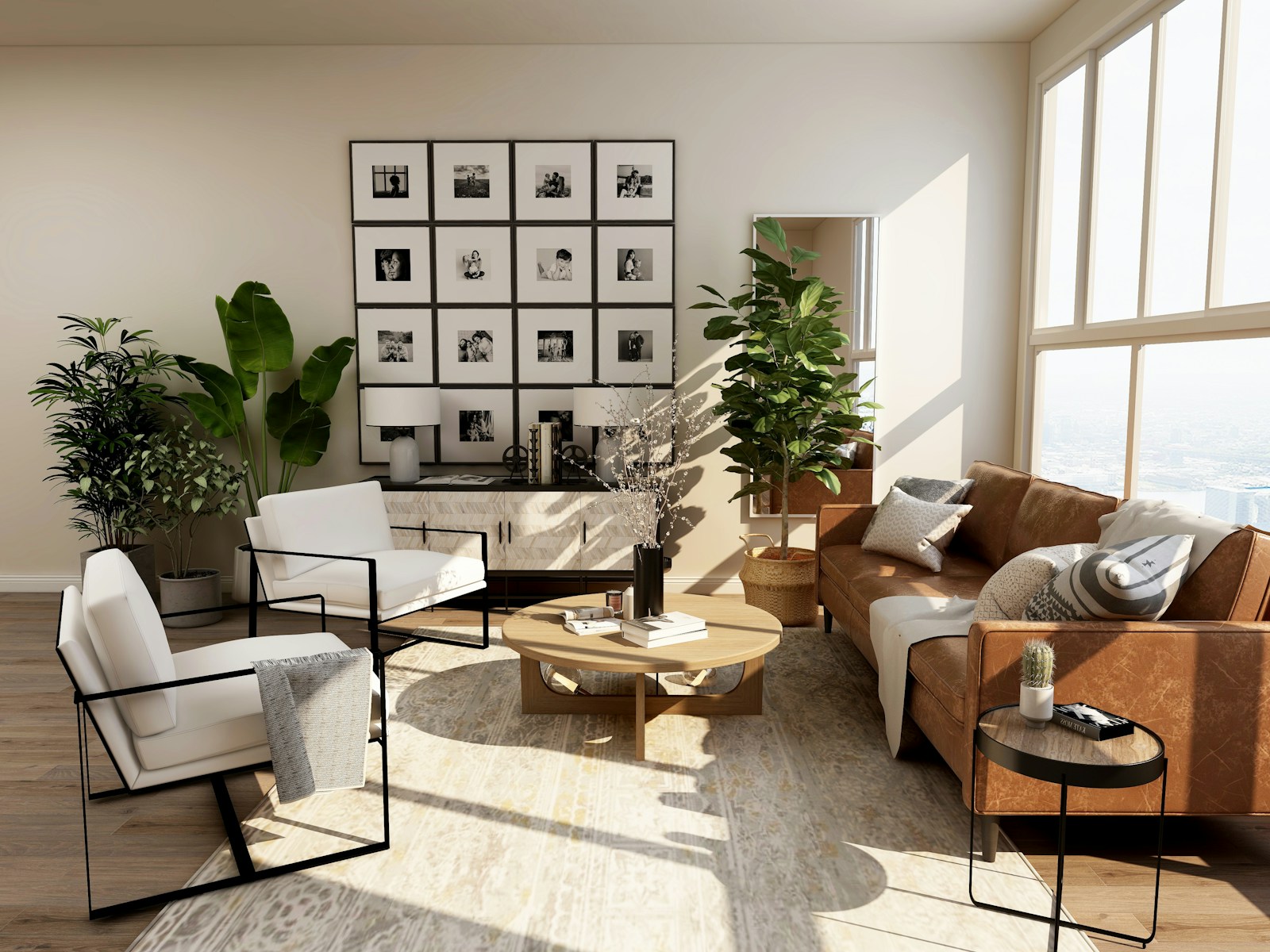
- Seedance 2.0 — 5 sLiving room in motionA smooth camera move through the living room. Made from one photo in a minute and a half.Video720p16:9
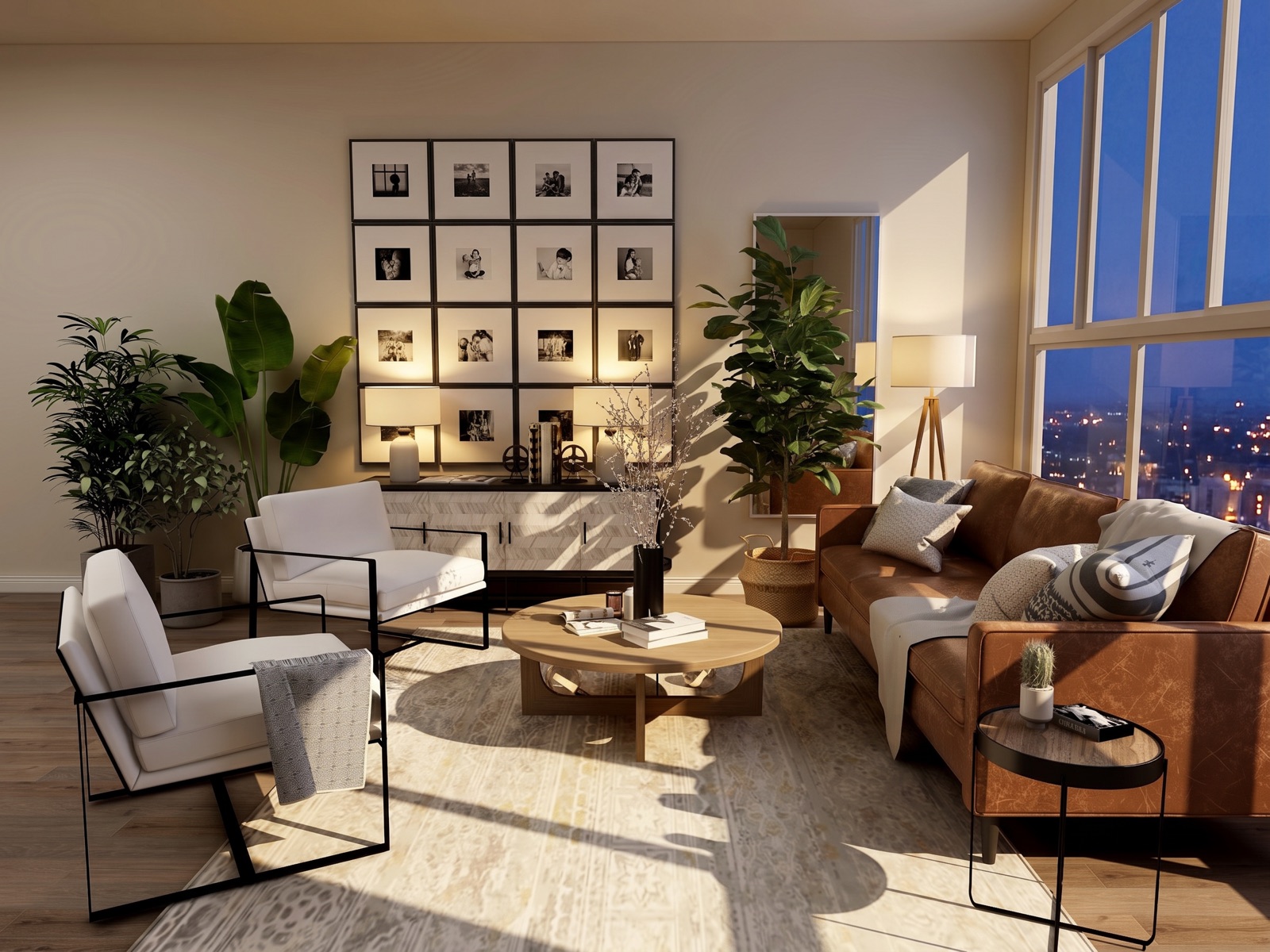 Nano Banana Pro — 2KThe same living room at duskLamps on and city lights outside the window. The room layout stays exactly the same.ImageTime of day
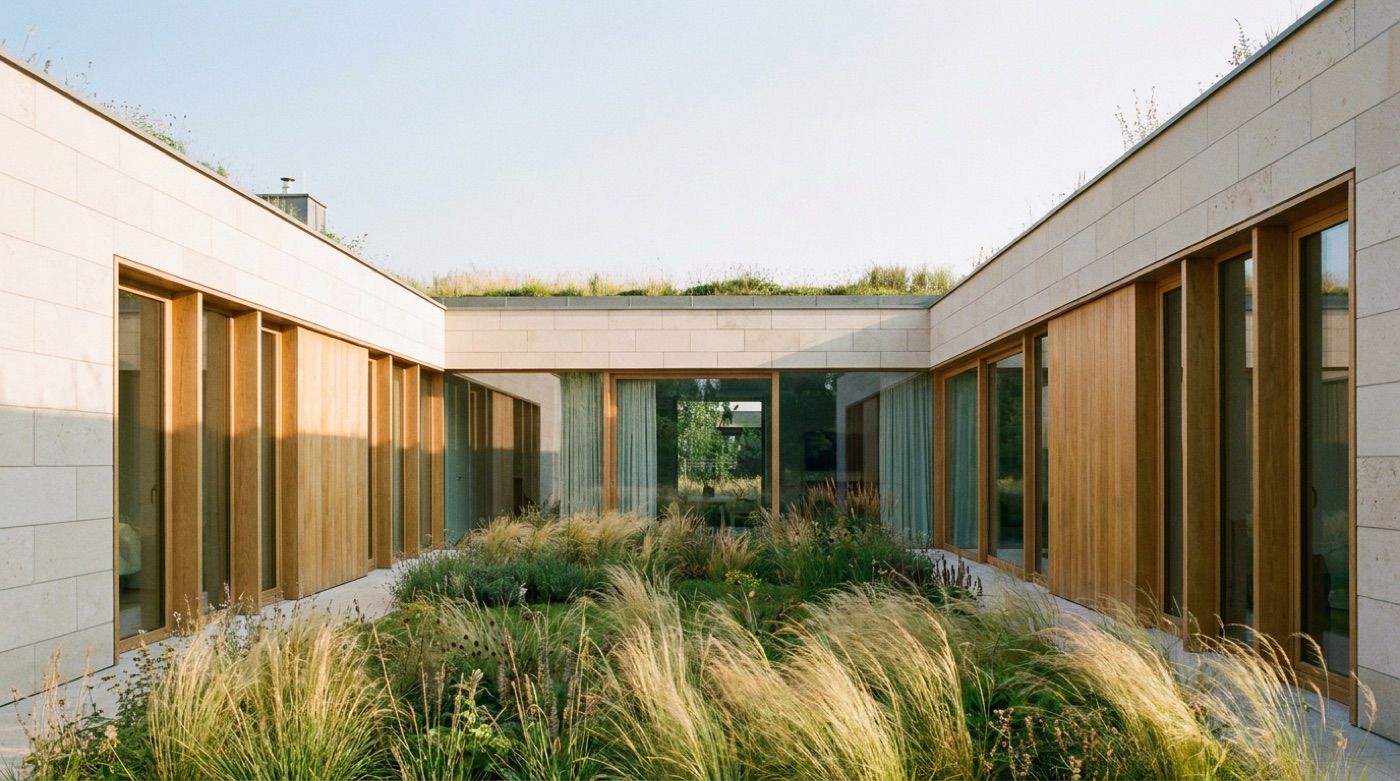 Nano Banana Pro — from a promptVilla surrounded by greeneryArchitecture generated from a description alone, no photo shoot.ImageText to image
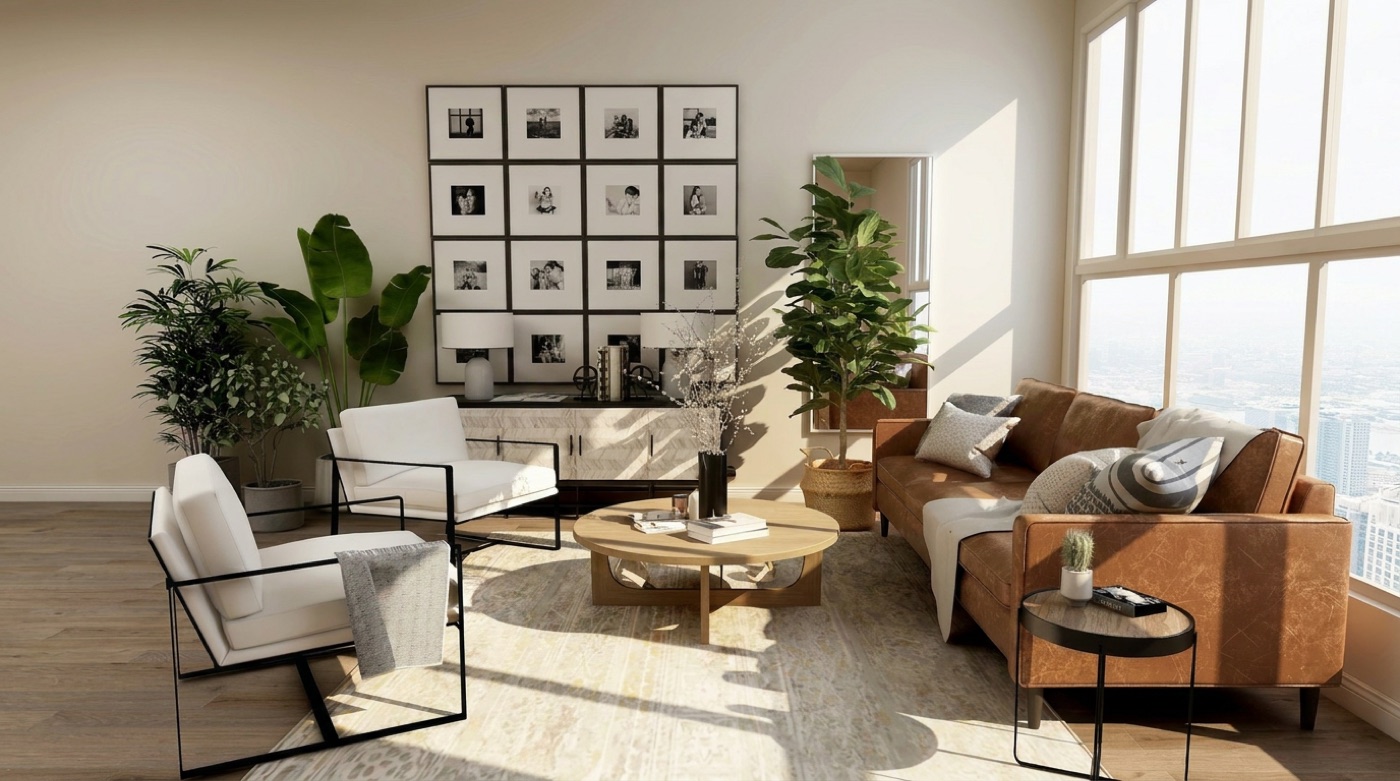 Nano Banana Pro — 1KA shot for the listingA bright, clear interior with straight verticals, ready to publish.ImageListing
What you can generate
One studio,four outputs
By the numbers
Numbers you can checkin the studio.
models for video, images and audio
video models
of credits back if a job fails
maximum discount with yearly billing
Launch pricing: up to 10% off monthly, up to 39% off yearly
Plans from €13.50 a month
With yearly billing. Plan sizes are shown in Seedance 2.0 videos, and a one-time credit pack can cover a single property.
Do I need any AI experience?
No. You add a photo and describe the camera move in one sentence, or pick a ready-made preset. The studio sets up the rest.
How long does it take to generate a video?
A 5-second 720p video usually takes 1–3 minutes. You can set up the next one in the meantime.
How much does one video cost?
A Seedance 2.0 video (5 s, 720p) costs 23 credits. You see the exact price of every output before you start.
Are my photos private?
Yes. Files are stored privately and only your account can see them. We never publish them in any gallery.